
For iPhone and iPad · Free host app for Mac
Your Mac,
in your pocket.
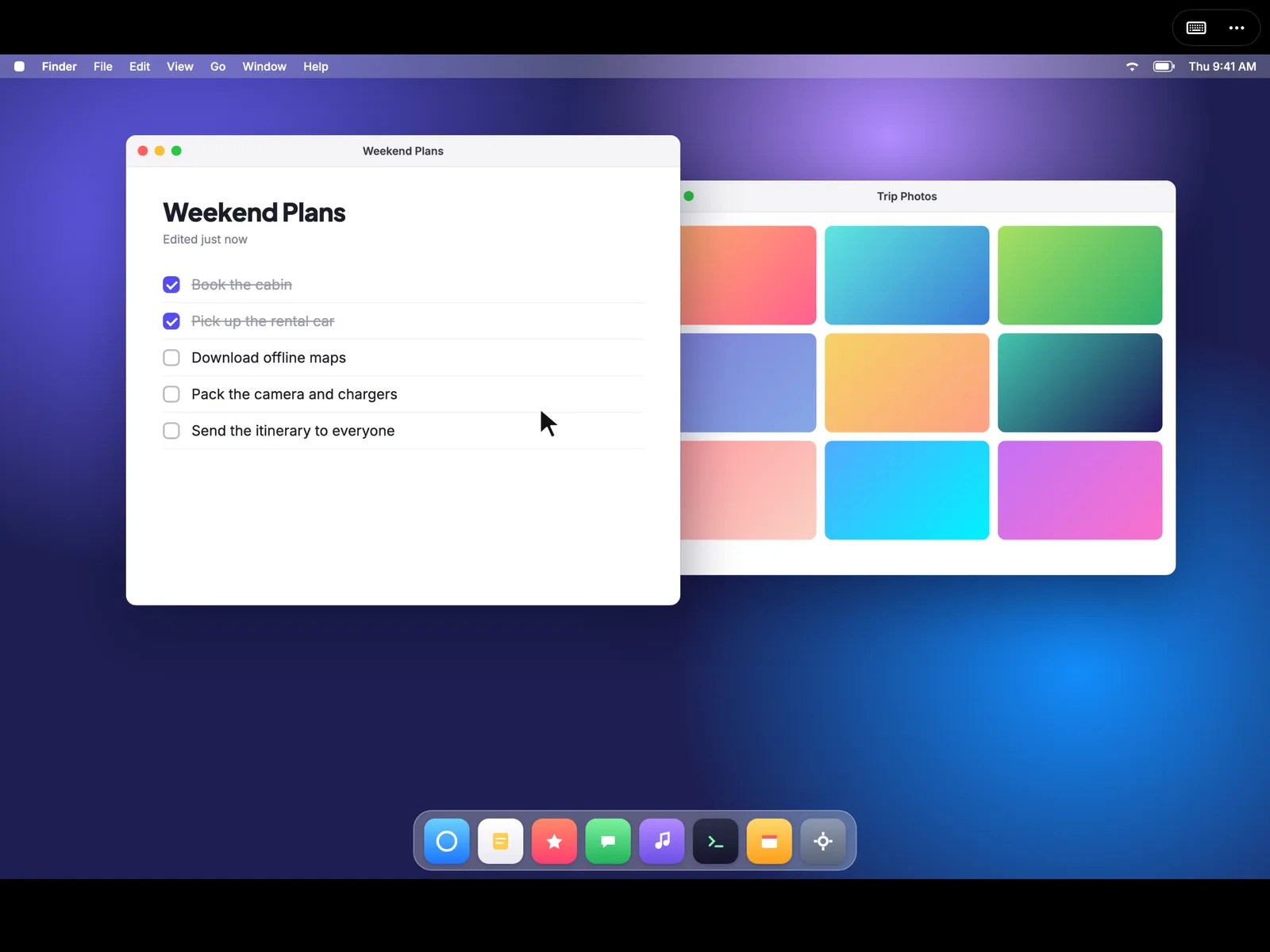
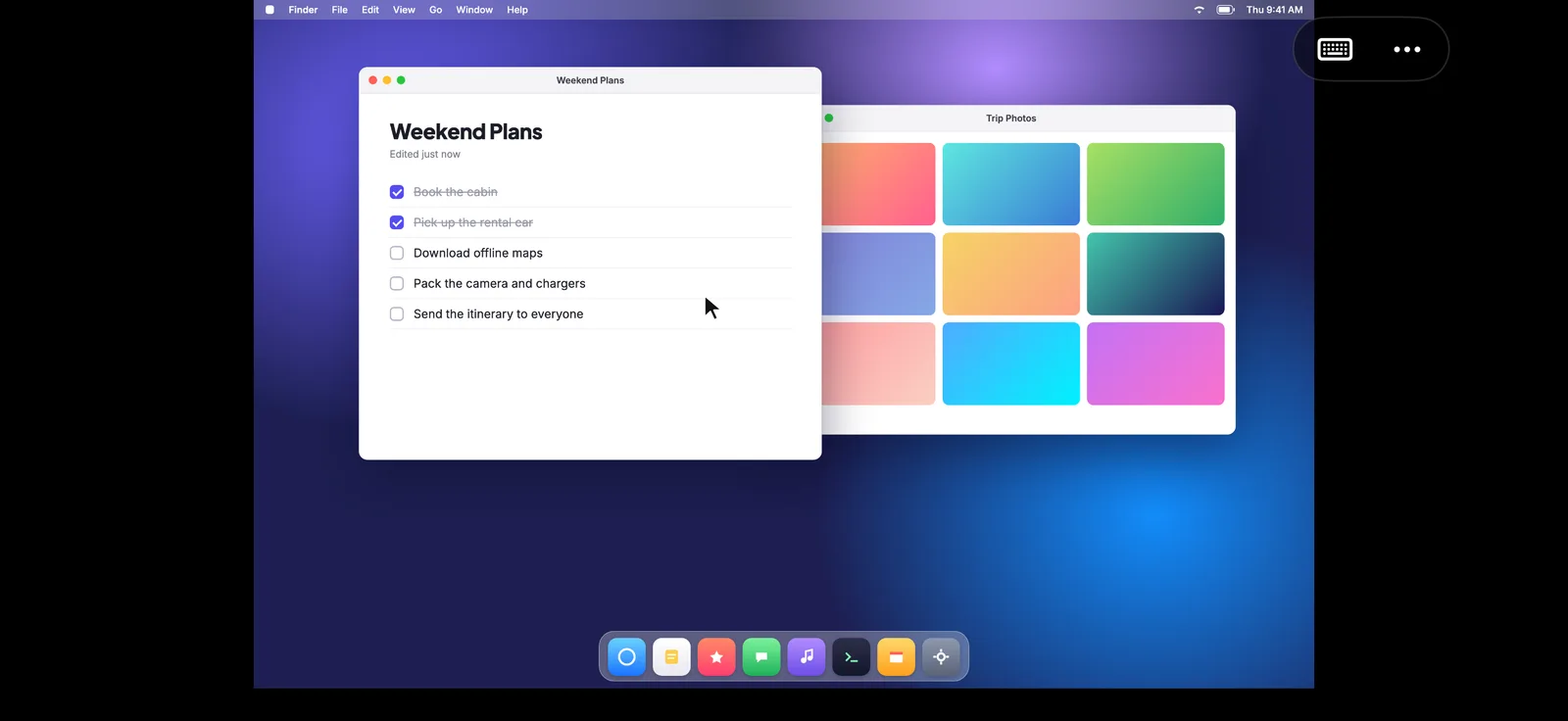
See your Mac’s screen and control it from your iPhone or iPad. Macrisp connects straight to your Mac when it’s nearby, no shared Wi-Fi needed.
Mac host needs macOS 14 Sonoma or later.
Connect
No shared Wi-Fi needed.
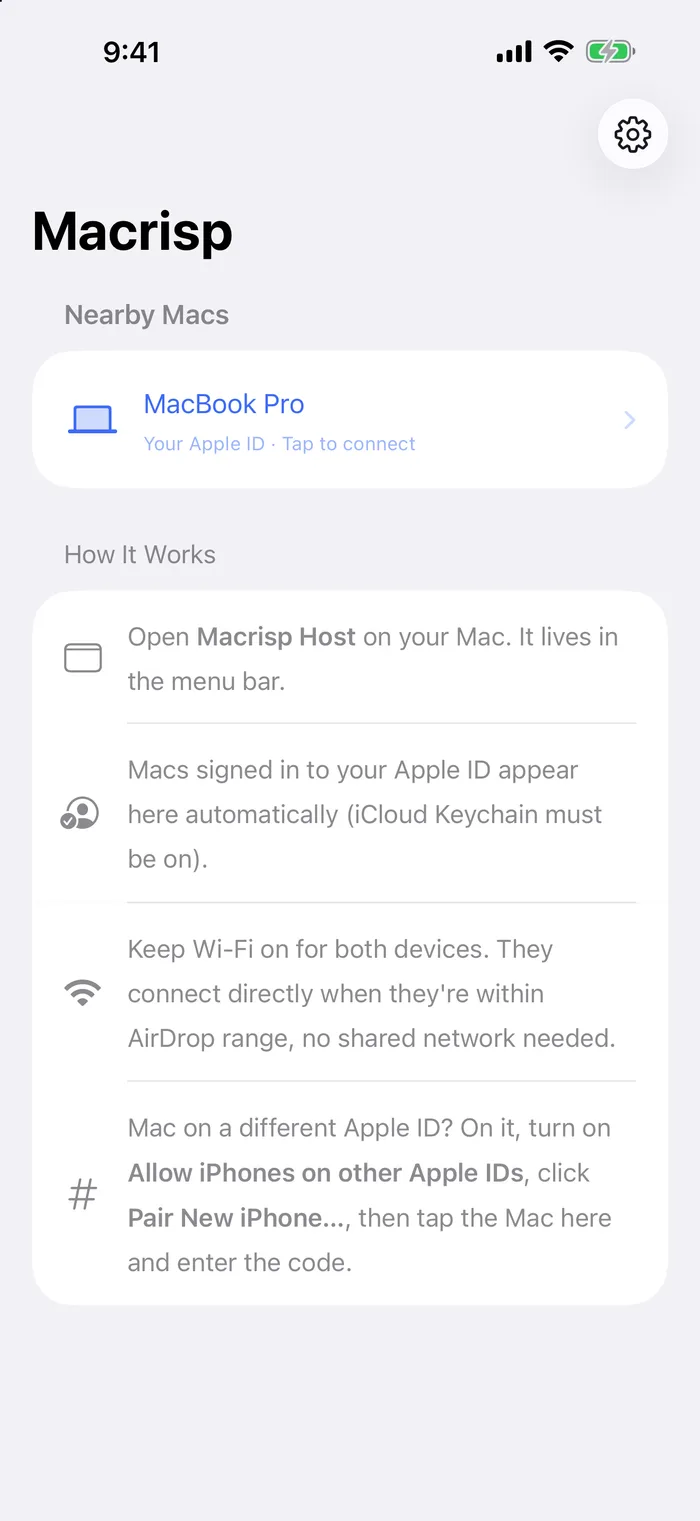
Macrisp talks to your Mac over peer-to-peer Wi-Fi when the two are close together. There's no router, account or cloud service in the middle. Macs signed in to your Apple ID show up on their own.
Control
Trackpad or touch. Your call.
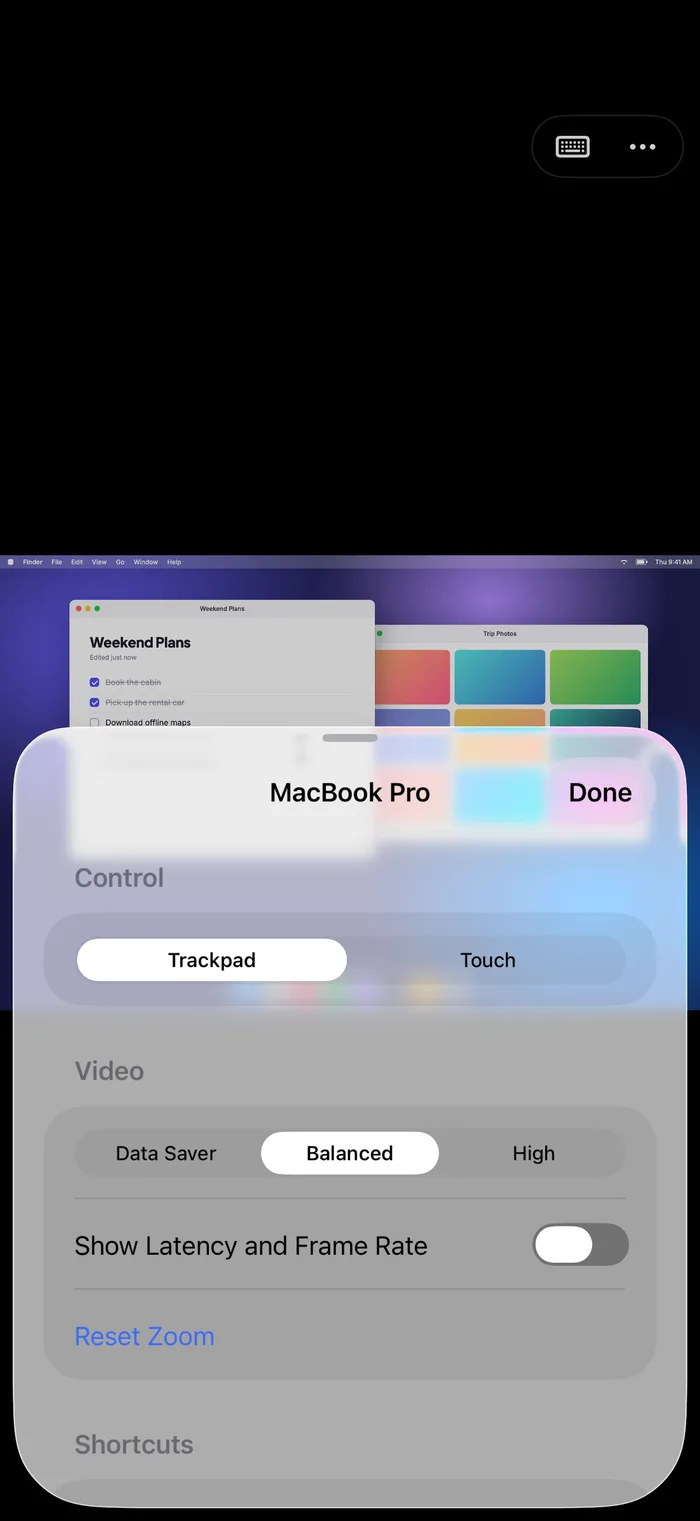
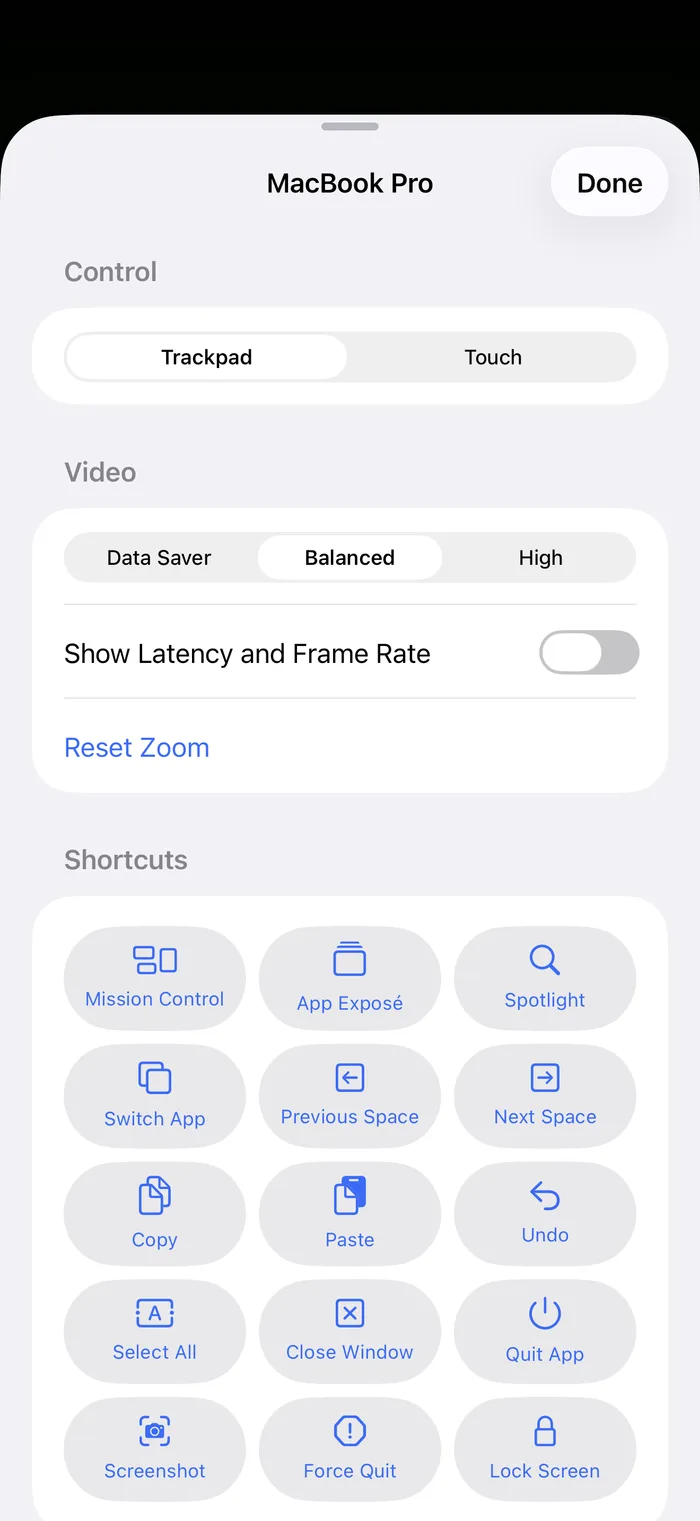
Use your screen as a trackpad with a pointer, or tap exactly where you want to click. Drag, scroll with two fingers, pinch to zoom into small text, and type with the on-screen or a hardware keyboard.
Shortcuts
Every shortcut, one tap away.
Mission Control, Spotlight, app switching, Spaces, copy and paste, undo, screenshots, force quit and lock screen. Move text between your Mac's clipboard and your device in either direction.
Privacy
Only you get in.
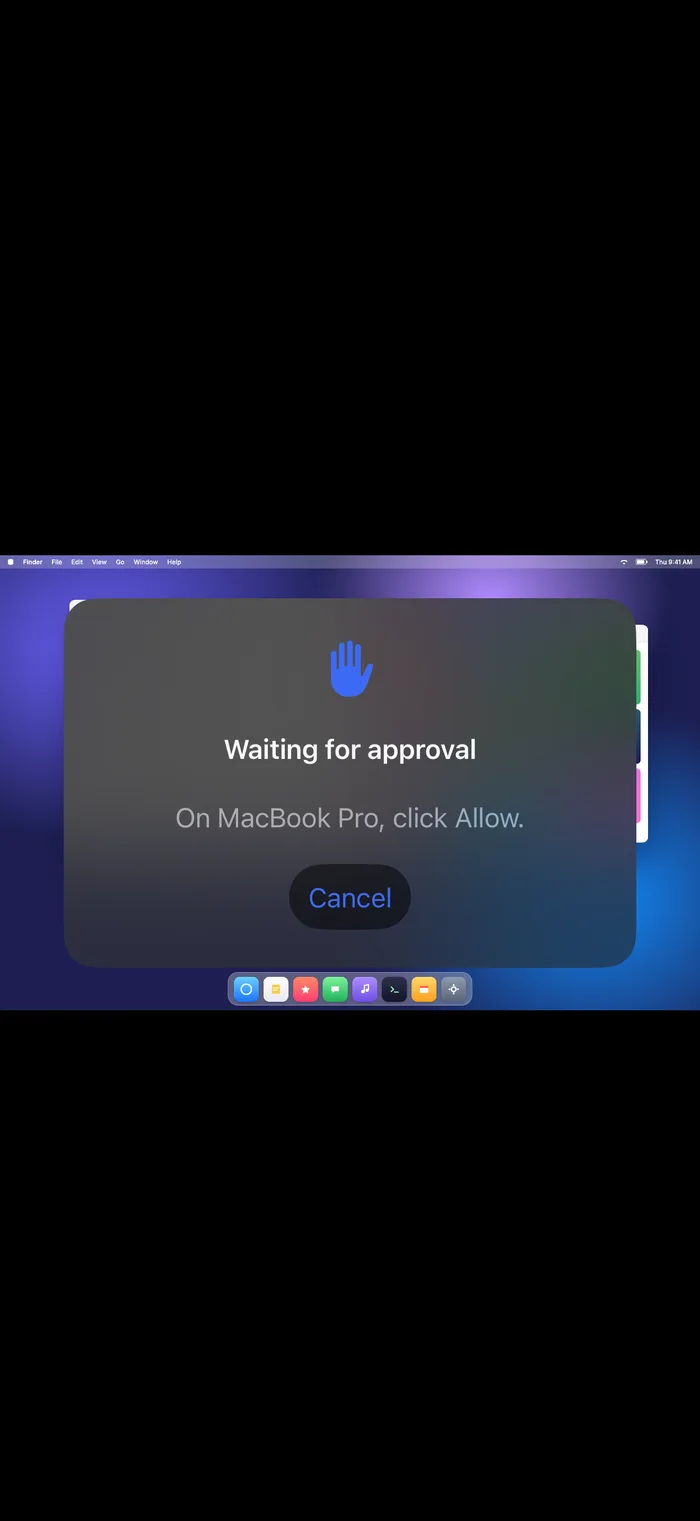
Every connection is encrypted end to end and goes straight from your device to your Mac. Your Mac asks you to approve new connections, Macrisp checks Face ID or Touch ID before connecting, and only one device can be in control at a time.
How it works
Set up in a minute.
- 1
Install Macrisp Host on your Mac
Download the free host app below and open it. It lives in the menu bar. Allow Screen Recording and Accessibility when it asks, so it can show your screen and take your clicks.
- 2
Open Macrisp on your iPhone or iPad
Keep Wi-Fi on for both devices and bring them close together. Macs signed in to your Apple ID appear automatically when iCloud Keychain is on.
- 3
Tap your Mac and approve
Click Allow on your Mac and you're in. Using a Mac on another Apple ID? Turn on pairing in Macrisp Host and enter the 6-digit code it shows.
Stuck? The support page covers permissions, pairing and connection tips.
Get Macrisp.
Install Macrisp on your iPhone or iPad, and the free Macrisp Host on your Mac.
- Macrisp
- iPhone and iPad, iOS and iPadOS 17 or later.
- Macrisp Host 1.0
- macOS 14 Sonoma or later. Notarized by Apple, 1.4 MB disk image.